Submitting Photos
April 2, 2021Sending CURRENT Photos
Please note:
1) After you send me your photos, they are manually categorized and added to the site, so it may take some time.
2) Photos are displayed in random order.
3) iPhone Mail user? iPhones sometime insert very small copies of photos, which will look bad. Please choose “Large” or “Full size”, or send attachments some other way. If it’s your preferred or only option, don’t worry, I’ll use whatever you send me.
Basic Instructions
You want to send some photos? Yay! For each person, I’m looking for 3 things:
1) Your name as you want people to find it. The list will be alphabetical by first name.
2) Up to 5 photos showing us a bit about who you are now.
3) One “bio photo” of info you want to share about yourself. (Details follow)
Reminder: if you want people to be able to contact you, include that info in your bio pic.
Ready to send? Please send your name and up to 5+1 photos to reunion@mordencollegiate1981.ca
If you can send the photos as attachments, that’s strongly preferred (easier for me, better quality views of you), but I’ll make it work any way you send them.
“5 Photos” Ideas
These can be pictures of
- you alone
- with your partner
- with your family
- of your dog or boat or garden
- of your business or job or coffee maker
- really anything that tells us about you
There aren’t really any rules, but do remember kids and grandkids might be looking.
Reminder: This site will be behind a password so that the photos are not public or in google-dom.
“Bio Photo” Ideas
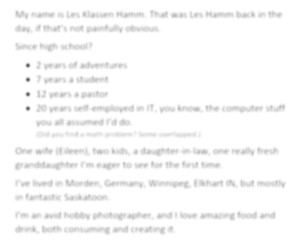
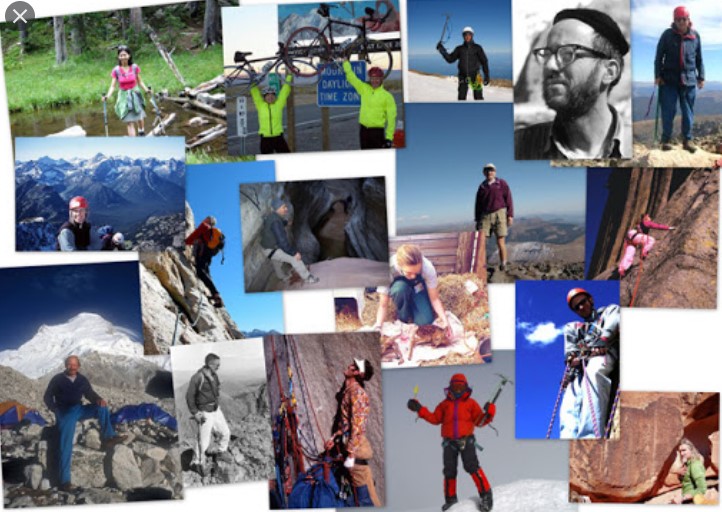
Since version 1.0 of this site is pictures only, but we want to know a little of your story or history or loves, we’d love to see an image that tells us some of that. You could do this any way you want, but here are a few ideas and some examples.
- You could keep it simple and easy, and type out a 100 word bio and take a screenshot and send that. First example below.
- You could create a collage that tells your story.
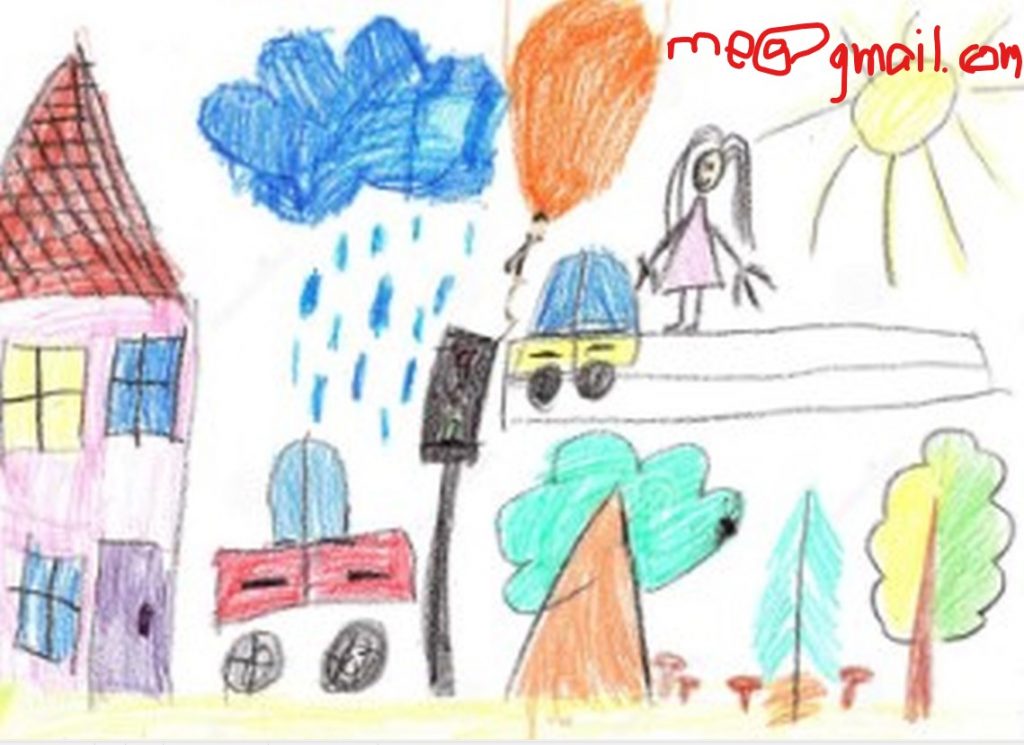
- Write your email address with a crayon and take a photo of it, if that’s how you’d like people to contact you.
- Draw a picture in the sand on a beach.
- Send a photo of your resume.
- Get all fancy and make a profile slide (last example below).
- It could be just a few words, or it could be 100 words. Much longer and it might get harder to read as a pic, espcially if being viewed on a phone.
Say a little, or say a lot, as you like. Again, there aren’t really a lot of rules. We just want to learn about our friends.

Sending OLD Photos
The “Old Photos” page really shines when we know who is in the photos. If possible, please name as many people as you can when you send old photos, and I will add those references to the photo.
The easiest way to do this might be send one photo per email, and in the body of the email simply list as many names as you can of people in the photo. For the Old Photo pages we are just doing first names, so don’t bother trying to guess, remember, spell, or figure out maiden/current surnames.
Ready to send? Please send your photos and names to reunion@mordencollegiate1981.ca
If you can send the photos as attachments, that’s strongly preferred (easier for me, better quality views of you), but I’ll make it work any way you send them.